My Personal Cockpit: Keeping My Priorities in Sight and Following Through
2026
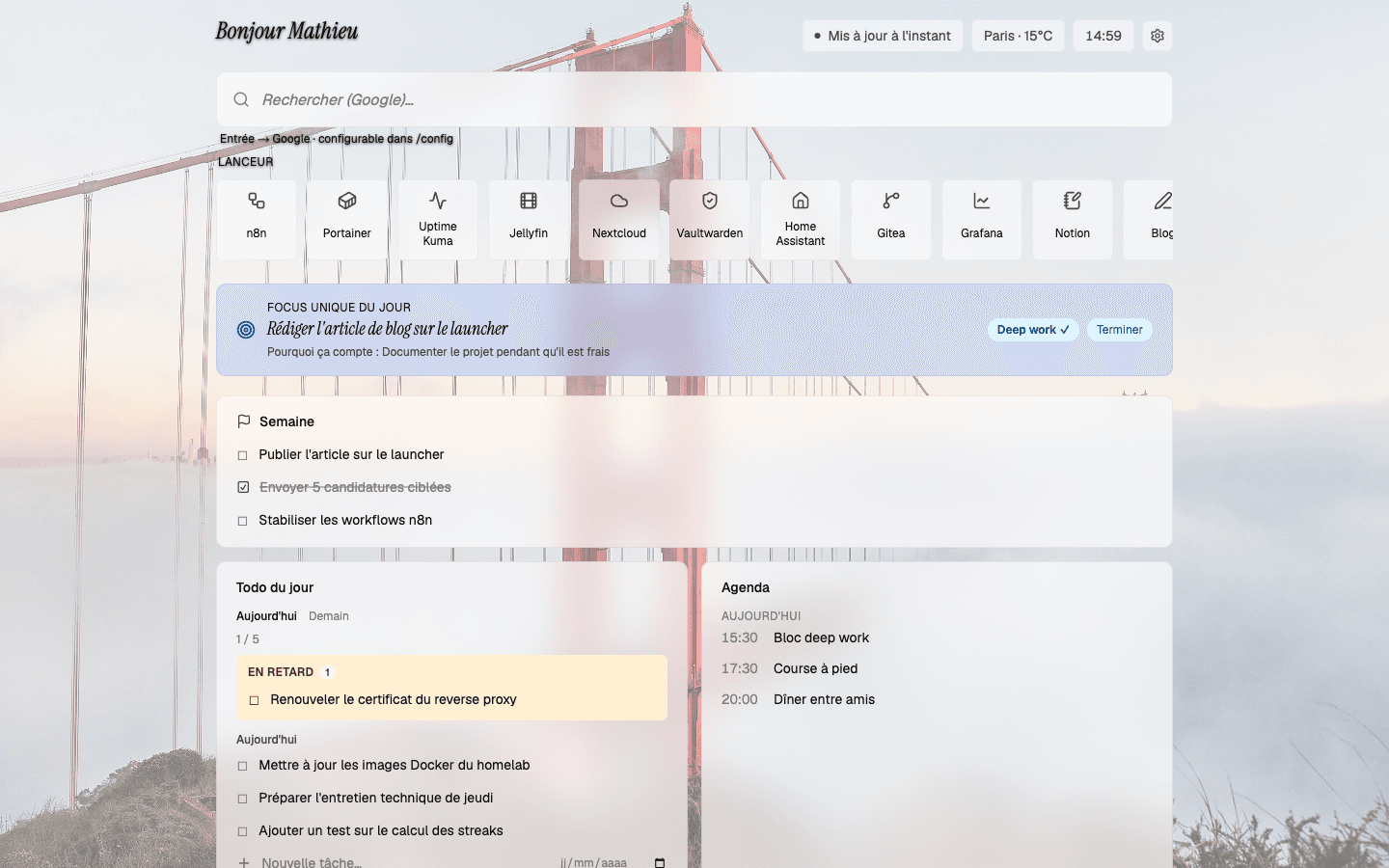
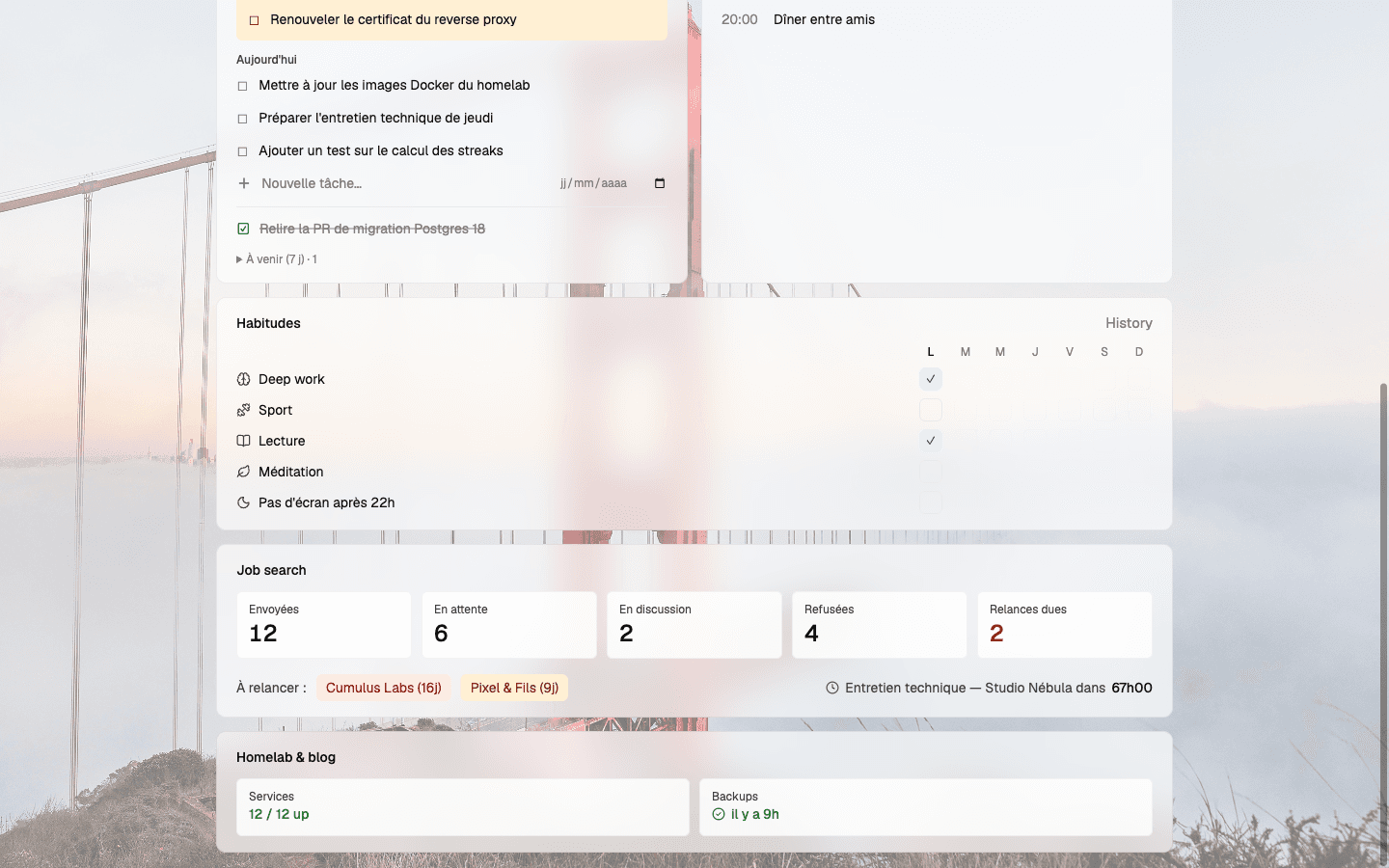
The board, on every new tab: launcher, daily focus, tasks and calendar
TL;DR : Personal Cockpit
The Project:A new-tab page that brings together tasks, calendar, habits and useful signals, connected to my AI agent on Telegram.
Stack:Next.js, PostgreSQL, Docker, agent API, Telegram and n8n for data collection.
The Challenge:Make my commitments visible and let my AI agent help me follow through, without handing over the choice of priorities.
The Result:A tool I use to set my daily focus, track postponed tasks and review what actually moved forward.
I already had tasks, a calendar and habits to track. The problem was that all that information lived in different places. I could keep my tools up to date and still start the day without deciding what actually mattered. I built my personal cockpit to bring it together on the page I open most often: a new browser tab.
01.Put the board where I work
I used visual management a lot in industry. A metric doesn't help just because it exists somewhere in a file. It helps when the team sees it at the moment they need to act and takes the time to discuss it.
I borrowed that idea for my own day. A new browser tab made sense: I open one several times a day without having to remember to launch yet another app.
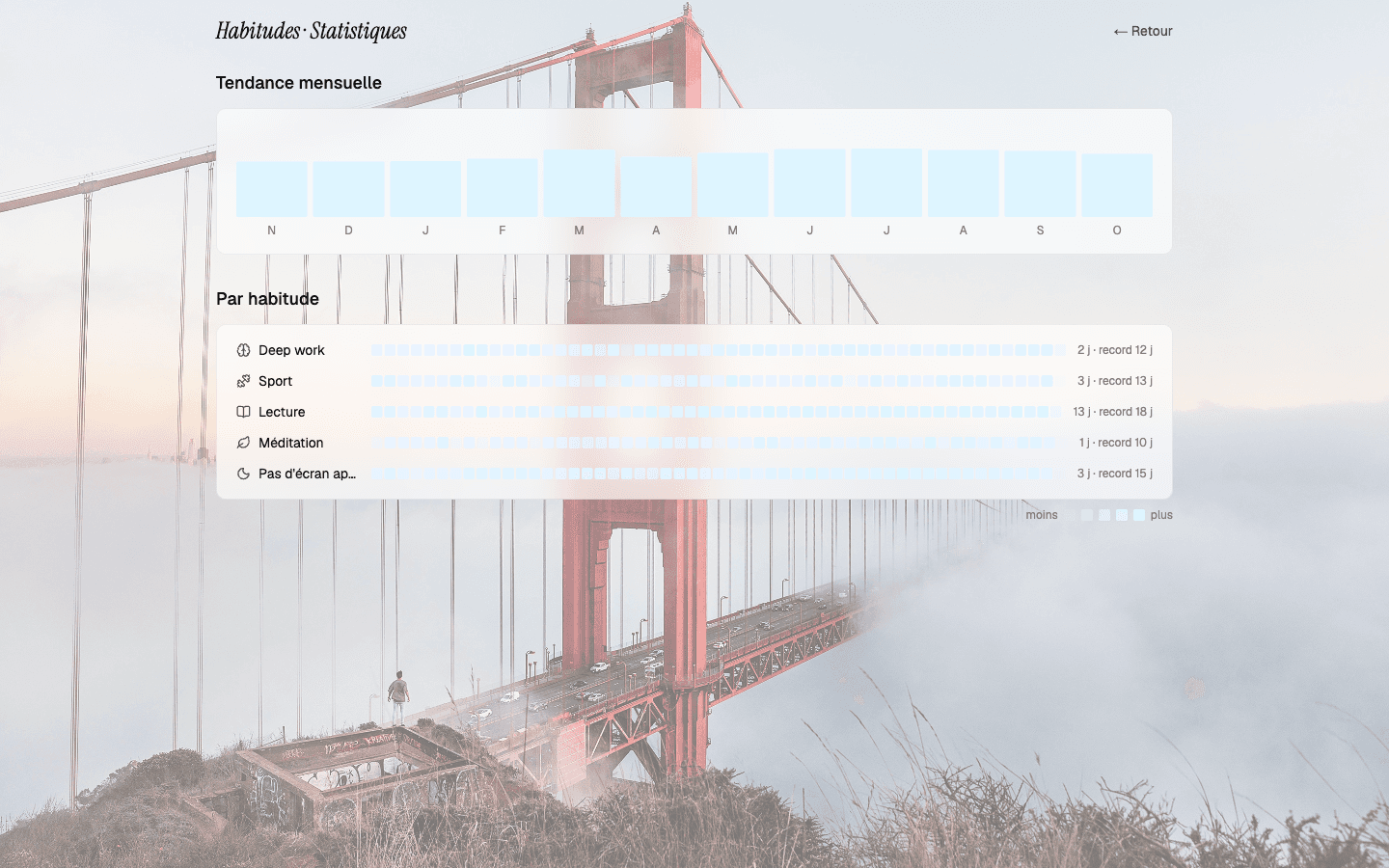
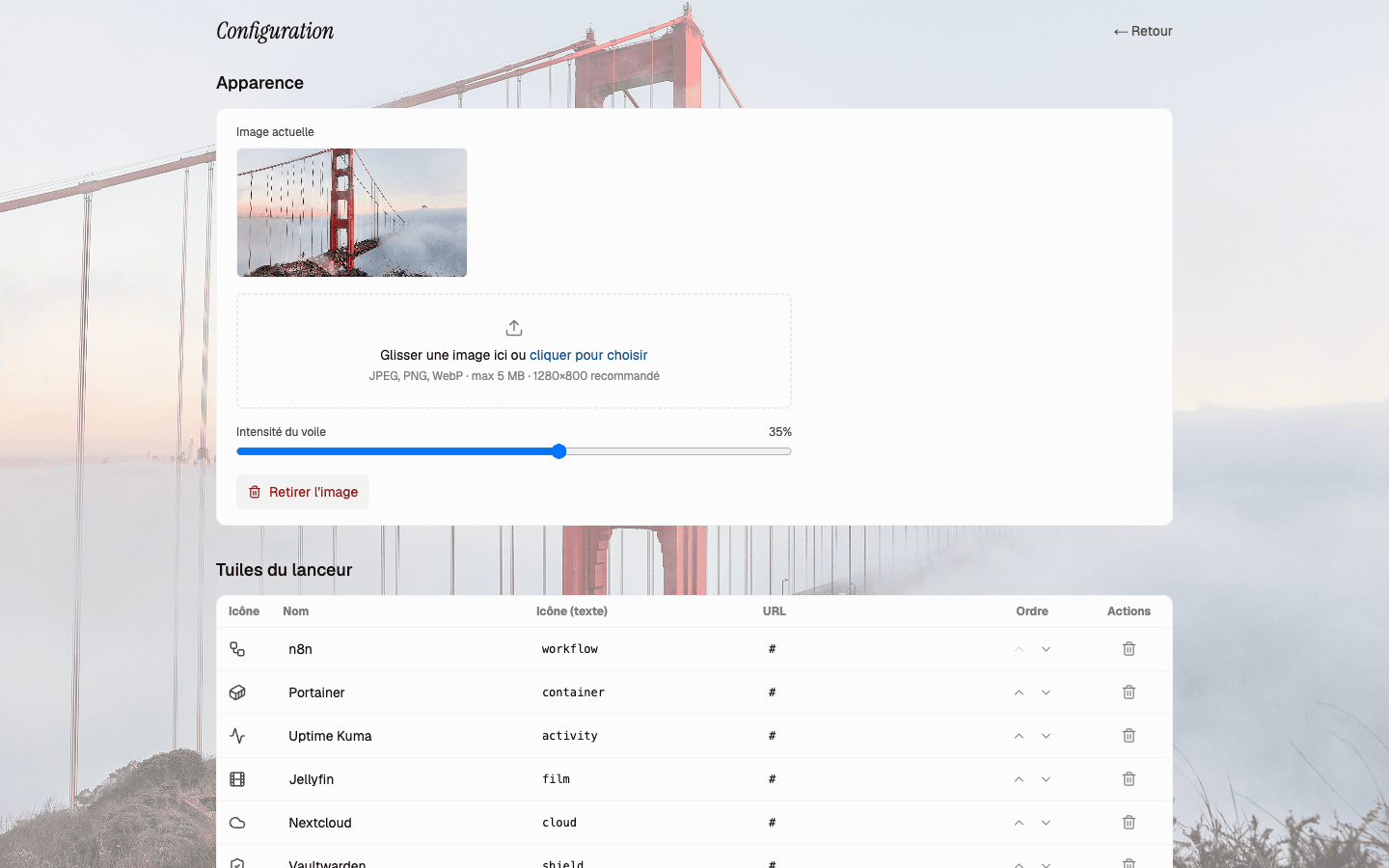
The top of the page has a search bar and links to my services. Below that, I can see my calendar, tasks, habits, job search tracking and a few signals from my homelab. They don't all carry the same weight. That's exactly why I wanted to see them without mixing them up: a fixed appointment isn't a task to complete, and ticking off a habit doesn't mean I've made progress on my priority.
I also wanted the page to remain useful when data is missing. The launcher loads without waiting for everything else. If a card can't fetch its data, it says so rather than quietly showing me an old value. A board that looks complete when it isn't is less useful to me than an empty space.
02.The board and the conversation
Displaying my tasks doesn't answer the harder question: which one deserves my attention today?
Each morning, my AI agent reads the Launcher's state and my calendar. It helps me separate what's scheduled from what actually needs my attention, then asks which focus I want to set and why. The choice is mine. Once I've made it, I can see that focus in the cockpit. If I haven't chosen one, the banner says so: "No focus set." I'd rather see that empty space than a fallback priority that makes it look as though I've decided.
I don't have to copy my tasks into the chat. The Launcher exposes an API that lets the agent read the cockpit's state and act within defined limits. The board and the conversation use the same information. I can see my commitments on the page, then talk them through on Telegram without starting from scratch.
What interests me here isn't that I added AI to a dashboard. It's that I can think through my day with my AI agent while keeping control of my own priorities.
03.Keep postponed tasks in view
A postponed task can slip out of sight very easily. Move it to tomorrow, then tomorrow again, and the list looks tidy. The work still hasn't moved.
In the Launcher, postponements remain visible. Tasks that keep getting pushed back or fall overdue show up in a triage area. My AI agent can then revisit them with me: what's getting in the way? Is the task too big, did something unexpected take over, am I avoiding it, or is it no longer relevant?
Those answers call for different actions. If a task is too big, I can break it down. If it no longer matters, I can decide to drop it. Moving it to yet another day without naming the problem teaches me nothing.
The same goes for the end of the day. What I finished, what I postponed and what expired shouldn't all blur into a vague feeling of having been busy.
04.A personal tool I actually use
I built the cockpit with Next.js and PostgreSQL and deploy it with Docker in my homelab. Data collection workflows feed some of the cards from my other services. A dedicated API lets my AI agent work with the same tasks and daily focus that I see.
But the most important product decision wasn't technical. It was resisting the urge to fill in the blanks. No focus chosen? It stays empty. Data unavailable? It doesn't pass for a current reading. Task postponed? Its history doesn't vanish because I changed its date.
I keep changing this project as I use it. It's a tool built for my needs and constraints, not a universal productivity method. It has let me bring together two things I knew separately: visual management from my years in industry, and an AI agent that helps me keep up the routine without making decisions for me.
The board shows me where my day stands. The conversation with my AI agent helps me decide what to do with it and revisit what hasn't moved. I need both: a place where my commitments stay visible, and someone who asks the questions I'd be tempted to dodge on my own.