An E-Ink Dashboard for the Home: When Home Automation Meets Electronic Paper
2024
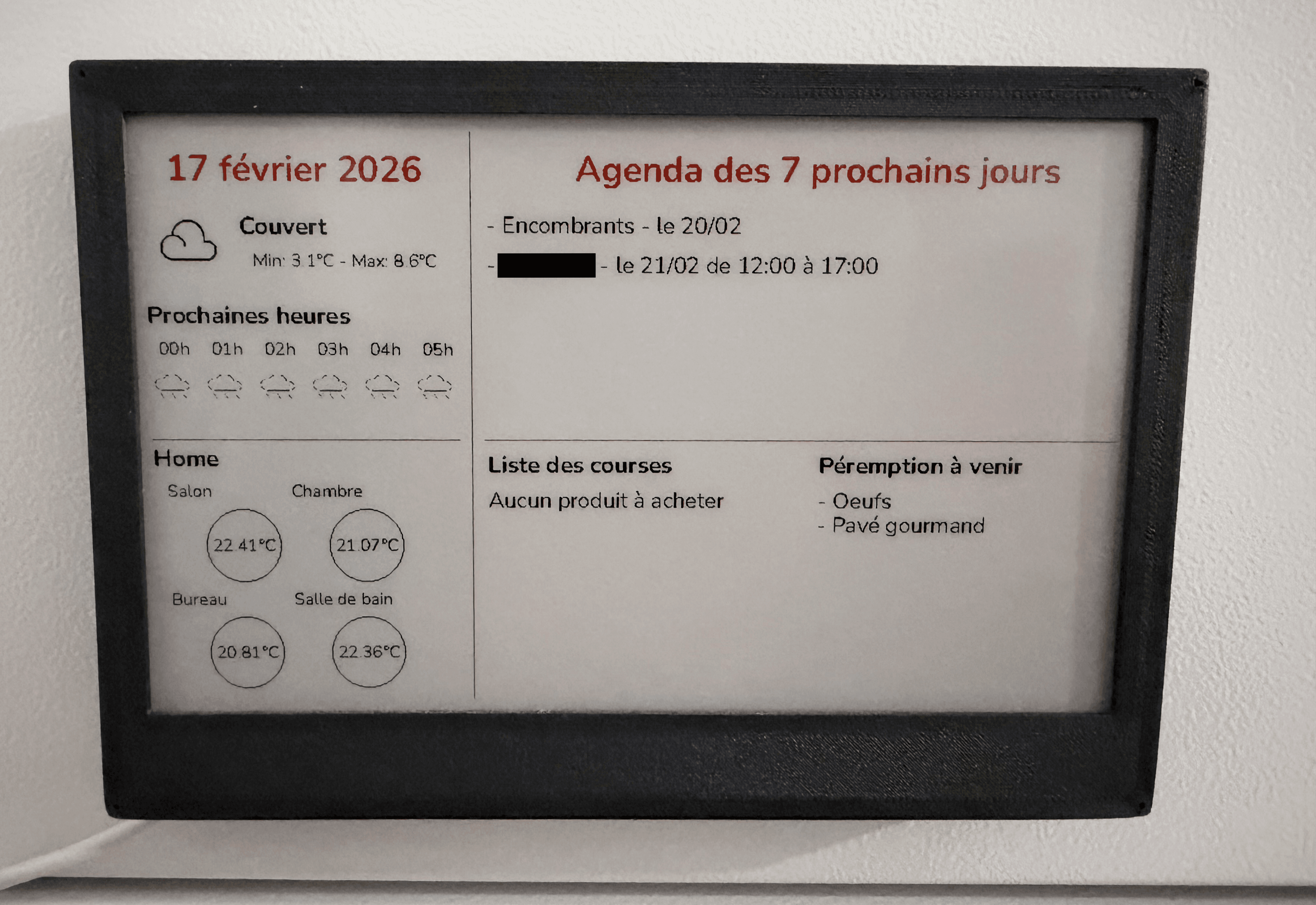
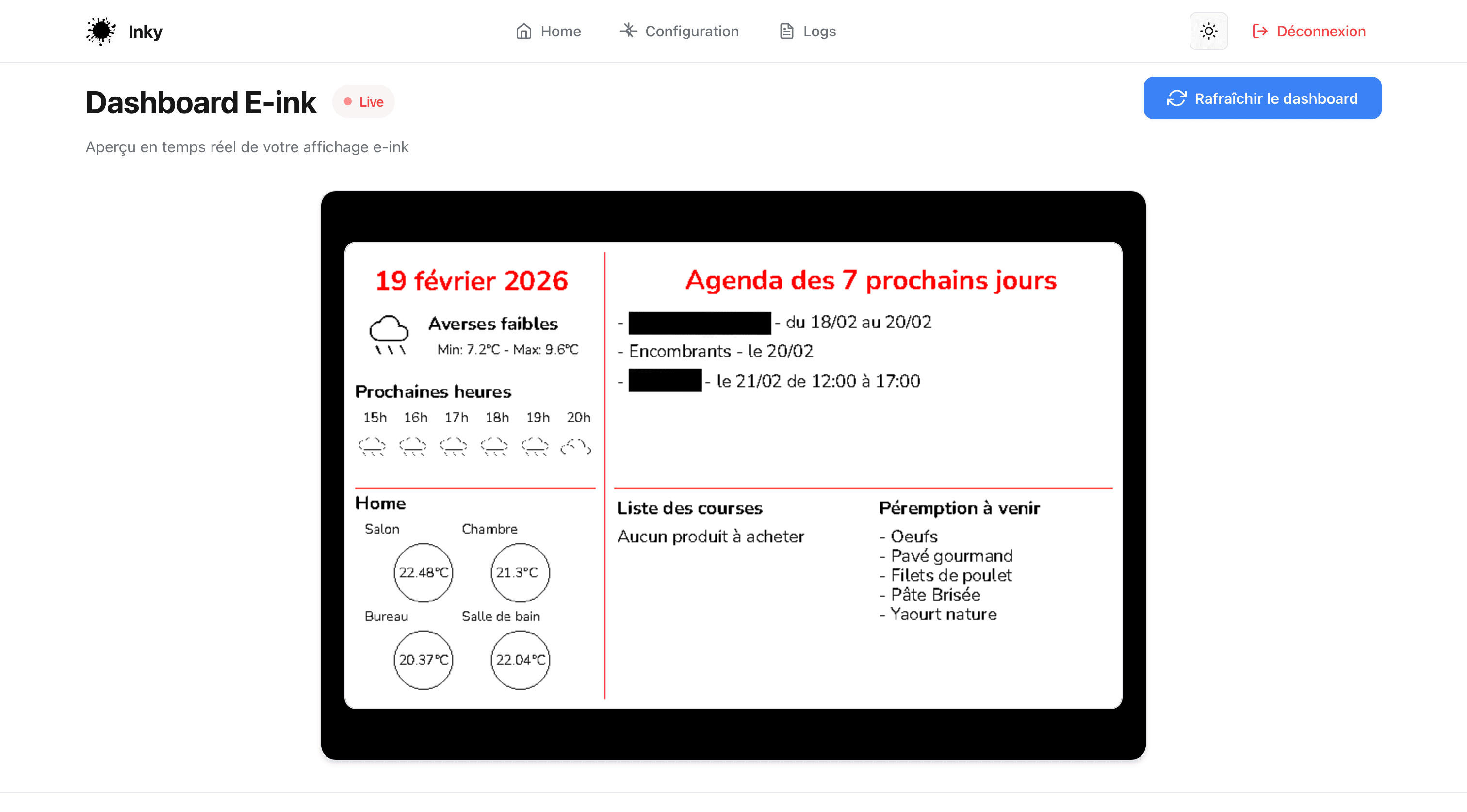
The dashboard in real use
TL;DR : E-ink Dashboard
The Project:An e-ink screen in the hallway that shows weather, calendar, sensors, and trains with zero interaction.
Stack:Python, Flask, REST API, Raspberry Pi Zero W, 3D printing.
The Challenge:Decoupling the e-ink render (several seconds per refresh) from the web server through an async queue to keep the interface snappy.
The Result:Running fully on its own for two years. Used every single day.
A screen on the hallway wall. No LEDs, no scrolling. Just the essentials: weather, calendar, home sensors, morning trains, all displayed on e-ink like ink on paper. From first idea to finished product, 3D-printed case included.
01.The Problem
It always starts with something dumb.
"Oh wait, we're having dinner at the Martins' tomorrow night? I totally forgot..." The shared calendar is on my phone. But you still have to remember to look at it.
"Doesn't it feel cold in here?" Good question. I pull out my phone, open the home automation app, dig around for the living room sensor...
All that information already existed. It was just trapped behind a lock screen, one thumb away but never in sight. What I was missing was a permanent spot to see it all. Visible in passing. Always current. Without touching a thing.
02.The Concept
The idea fits in one sentence: a passive dashboard, placed somewhere you walk by every day, showing everything you need at a glance.
Why e-ink? No backlight blasting your eyes at 6 AM. Near-zero power draw. Perfect readability in any lighting, bright sun or dim hallway, doesn't matter. It's paper. Connected.
The spec sheet wrote itself: • Today's weather plus the next few hours • Room-by-room temperatures, live • The week's calendar • The grocery list • Products expiring within 3 days (pulled from my Anti-Gaspi web app) • Next trains (weekday mornings only, no point showing that on a Sunday)
One look. Zero interaction.
03.The Hardware
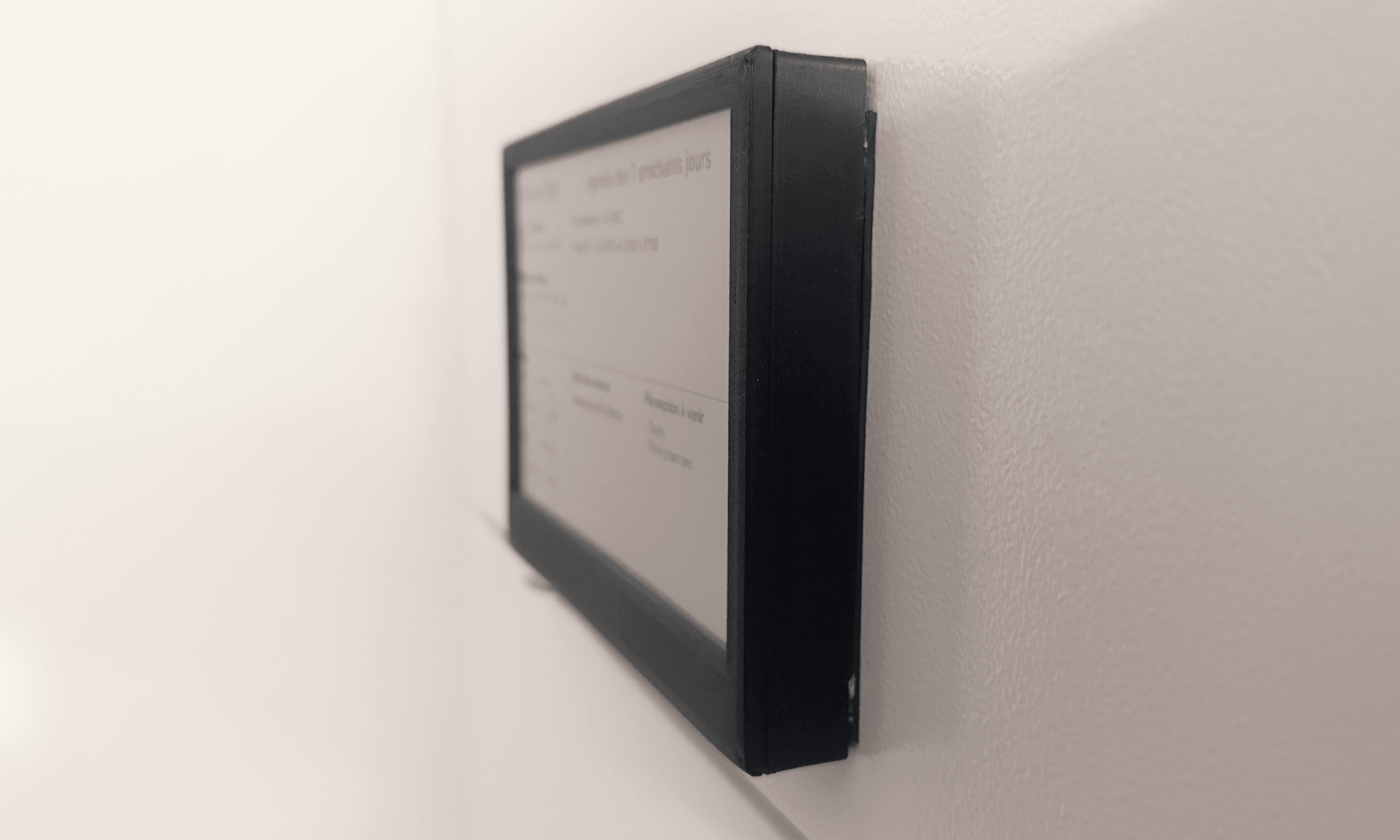
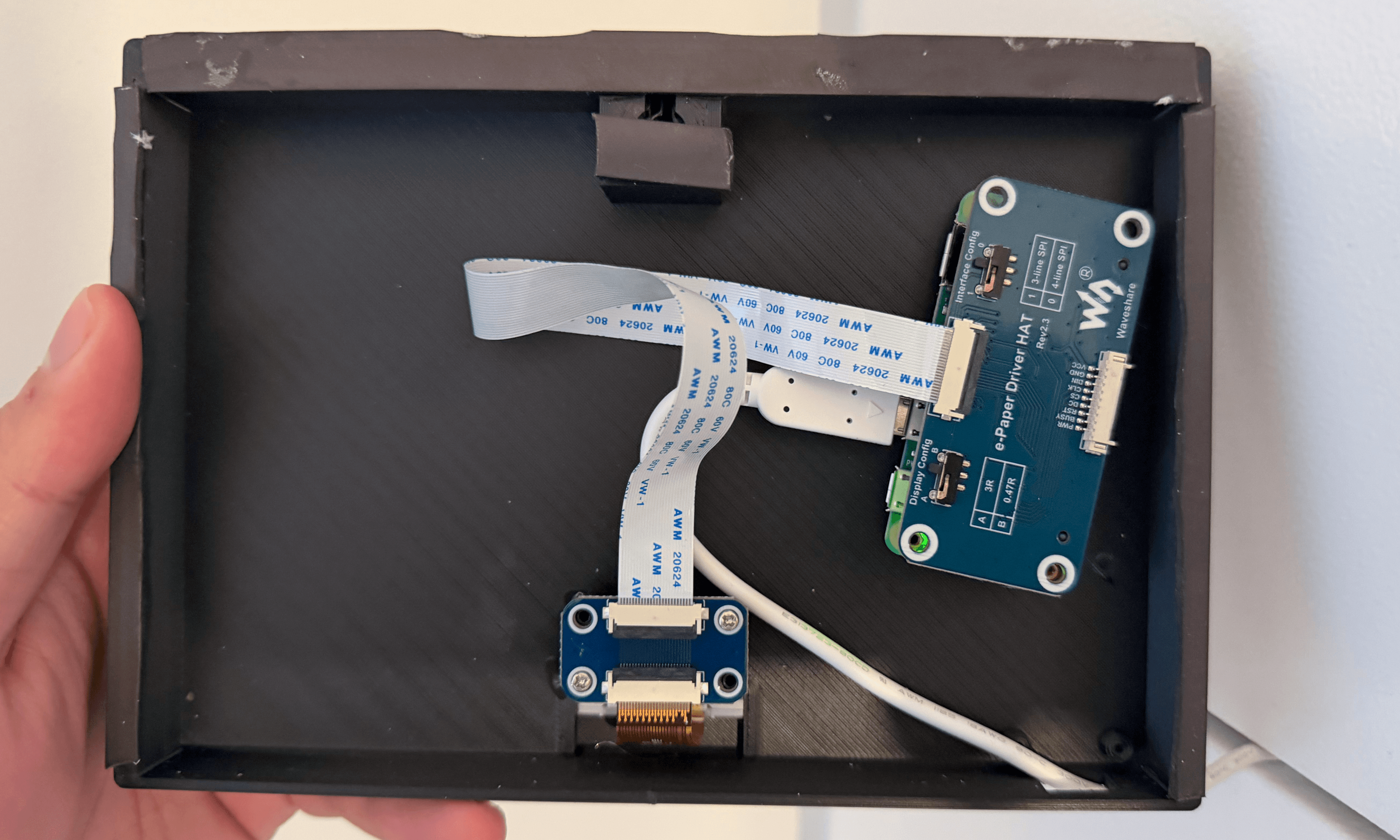
The enclosure was 3D-printed to fit the screen and Raspberry Pi perfectly.
The screen is a Waveshare 7.5-inch bicolor display (black and red), driven by a Raspberry Pi Zero W running around the clock.
The thing about e-ink, and what makes it perfect here: the screen only draws power during a refresh. Between updates, the image stays put with zero electricity. The exact opposite of a regular monitor, and exactly what you want for something that needs to blend into the background.
The trade-off? Refresh time. A few seconds per update. That rules out anything real-time. But for a dashboard you glance at while walking past, it's a non-issue.
The enclosure was custom-designed and 3D-printed to wrap snugly around the screen and the Pi. Clean, discreet, built to fit.
04.The Software
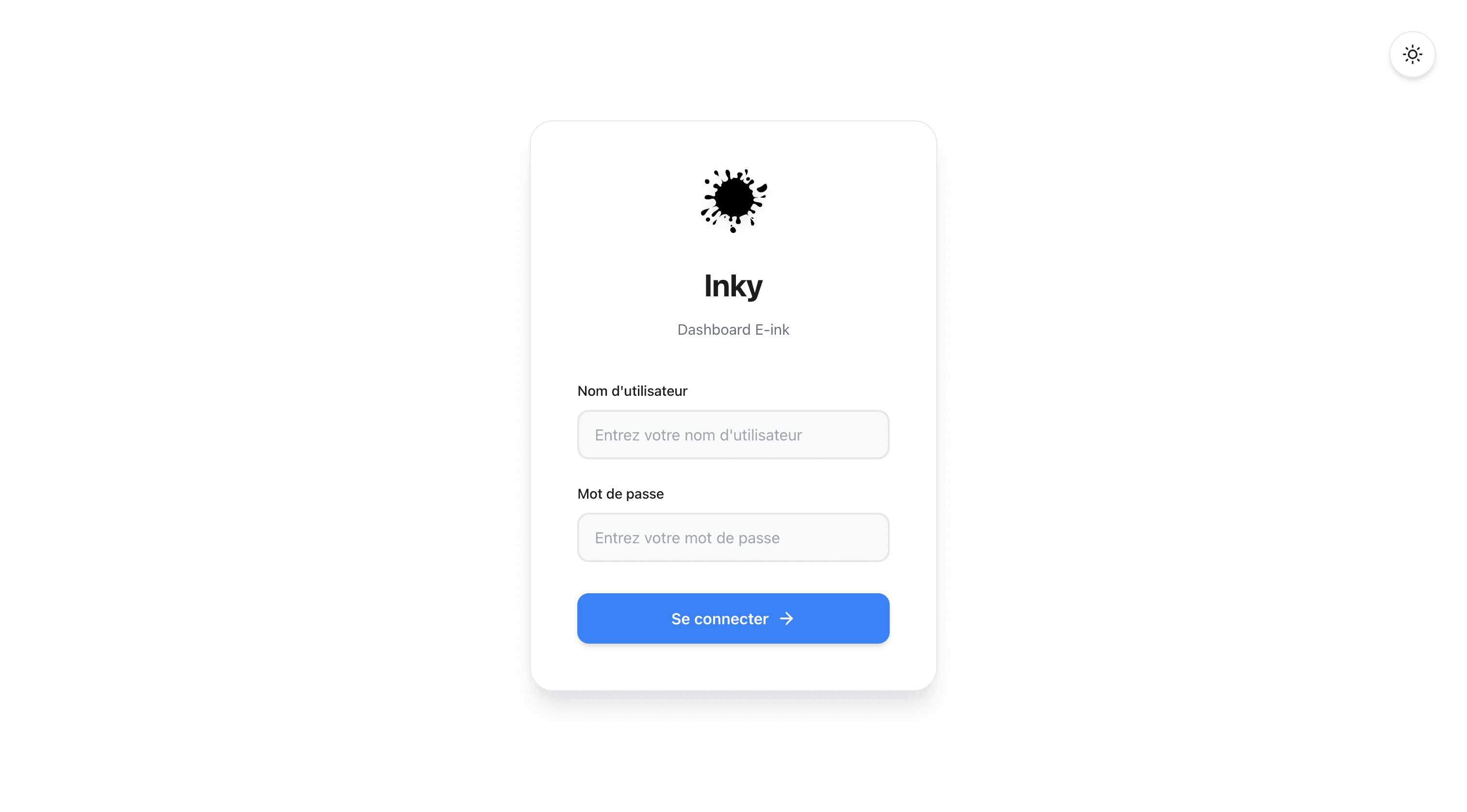
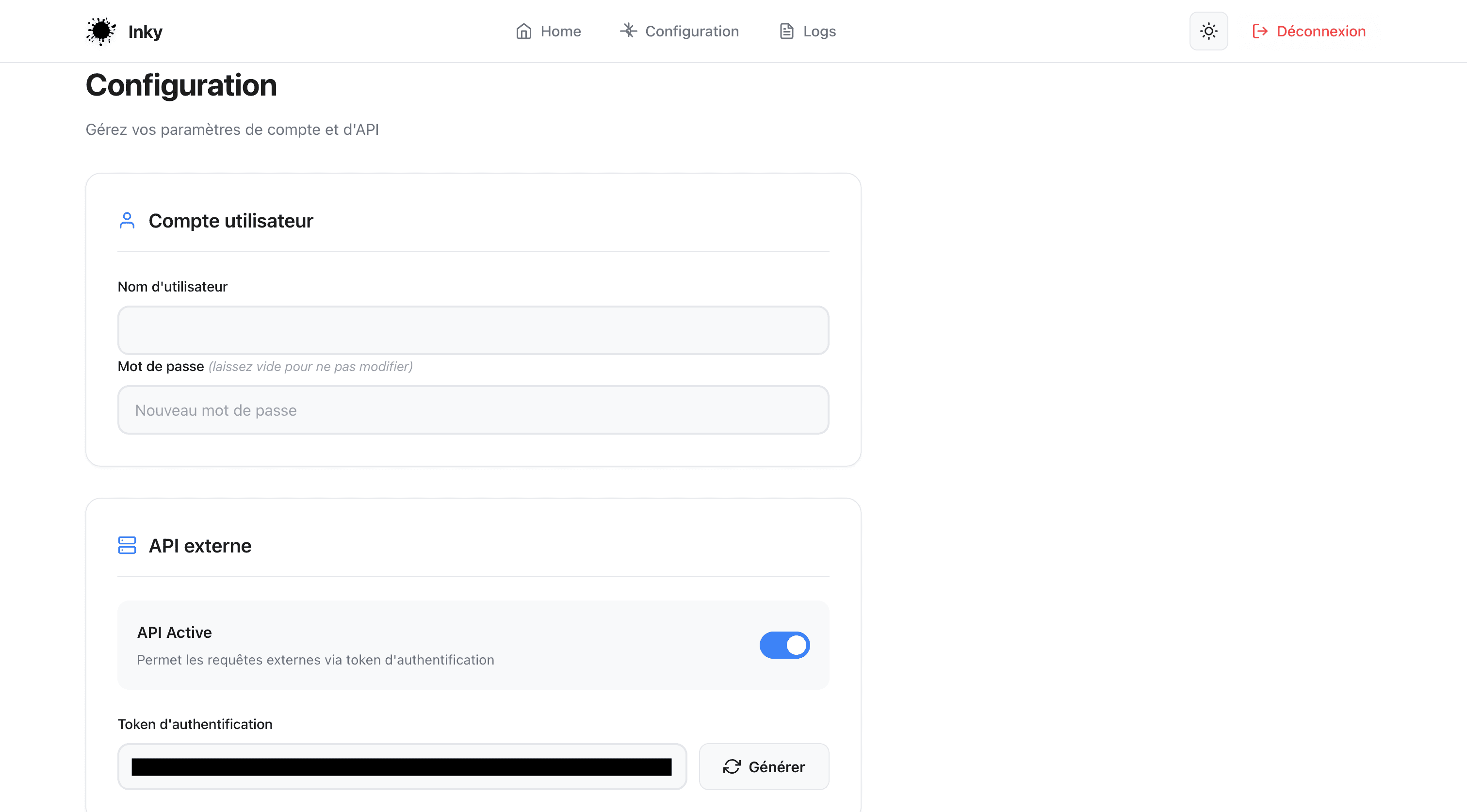
Web interface login page
The real software challenge: reliability and maintainability. Not just "it works."
First big decision: split what talks to the user from what drives the screen. Refreshing an e-ink display takes several seconds. If the server sat around waiting for the render to finish before responding, the web interface would freeze on every update. The fix? A web server that responds instantly, and a background process that handles renders through a queue.
That decoupling sounds trivial. It isn't. If the render crashes, the server keeps running. If the render process restarts, it picks up its queue. Each piece can be monitored, restarted, or updated without touching the other.
The dashboard layout itself is composed like a printed page: two columns, careful typography, weather icons. And a contextual behavior I'm quite fond of: on weekday mornings, the bottom of the right column flips over to train schedules. Evenings and weekends, that space vanishes. Show what matters, when it matters. That's the heart of the project.
05.Connectivity
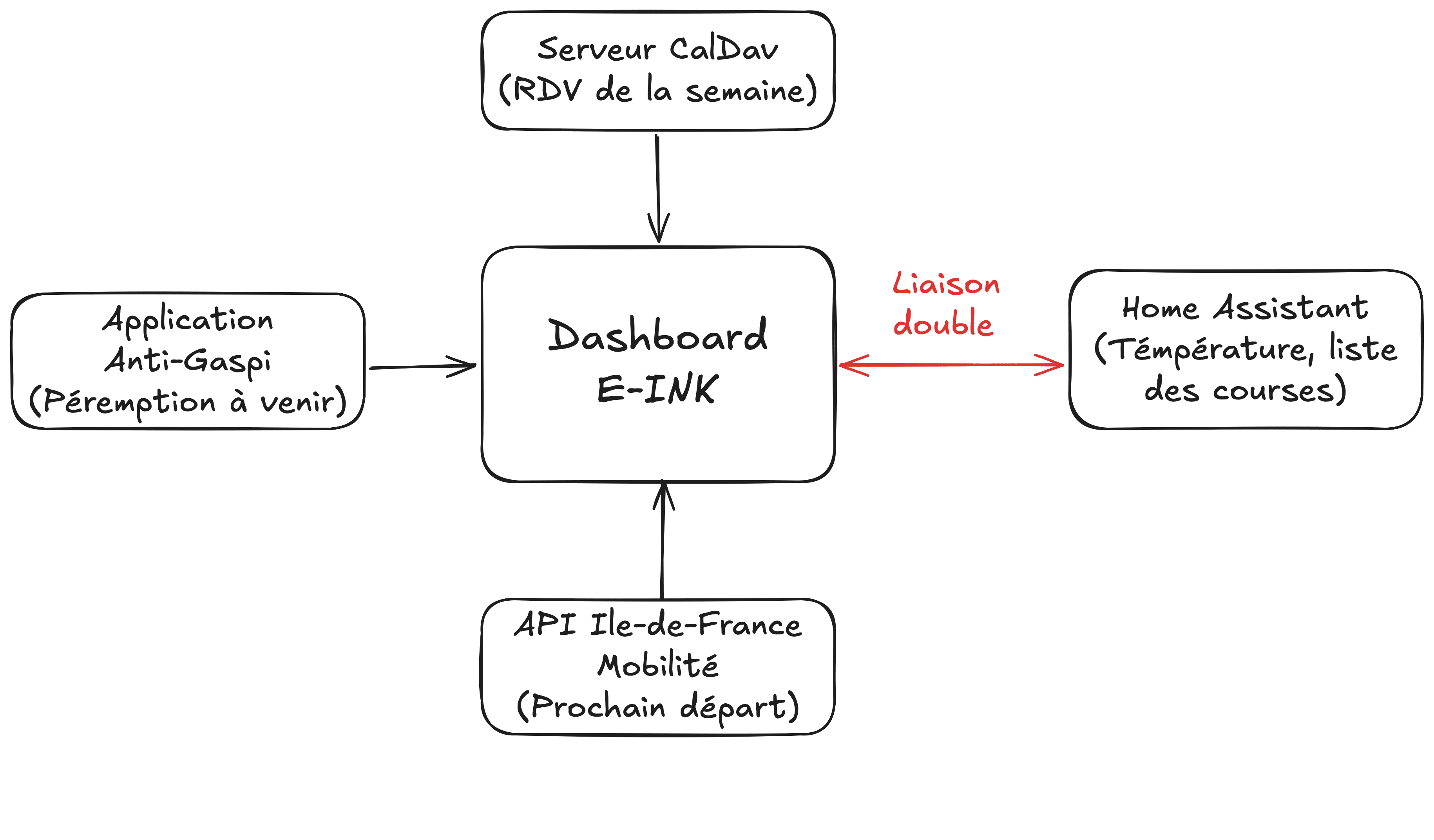
Diagram of interactions between the dashboard and external services
This dashboard doesn't run in a vacuum. It plugs into a broader home automation ecosystem, and that's where it gets really interesting.
Home Assistant plays the role of central nervous system. It gathers data from every sensor and runs the automations. The e-ink dashboard is a consumer in that ecosystem: it reads temperatures, the grocery list, without ever changing anything.
The rest of the data comes from various sources: weather from the official Météo-France API, calendar from a CalDAV server, train times from the Île-de-France Mobilités API, and soon-to-expire products from my Anti-Gaspi web app API.
The detail that changes everything: the relationship with Home Assistant goes both ways. The dashboard exposes its own API, which means any automation can trigger a screen refresh. Coming home, grocery list update, set morning time, a physical button by the door. The screen reacts. It's no longer a passive display. It's a player in the system.
This project sums up what I love doing most: start from a daily annoyance and turn it into a tangible thing, designed end to end. It's not some home automation breakthrough. Just a screen that does its job well. It's been running on its own for two years. It gave me a chance to blend hardware, 3D printing, and async software architecture in a single build. And really, that's what I'm after: take a boring constraint and turn it into something useful, finished, and that knows how to stay out of the way.